User Permission Description of Management Console
1. Role Type
- Administrator (Admin): able to view all menu entries, the administrator role has the highest authority, including historical administrator authority
- History Admin (historyAdmin): In addition to the tasks submitted by yourself, you can also view other historical tasks
- general user: View the task information submitted by yourself
2. Description of function role permission chart
The permissions that different roles have in the function
| Function Name | Administrator (Admin) | History Administrator (historyAdmin) | Ordinary User |
|---|---|---|---|
| Administrator View (Global History) | √ | √ | |
| Search Bar (Resource Management) | √ | ||
| Parameter configuration | √ | ||
| Global variables | √ | √ | √ |
| ECM Management | √ | ||
| Microservice Management | √ | ||
| Data Source Management | √ | √ | √ |
| Data source environment management | √ | ||
| Data source type | √ | ||
| UDF Management | √ | √ | √ |
| Function Management | √ | √ | √ |
| Tenant Tag Management | √ | ||
| Whitelist Management | √ | ||
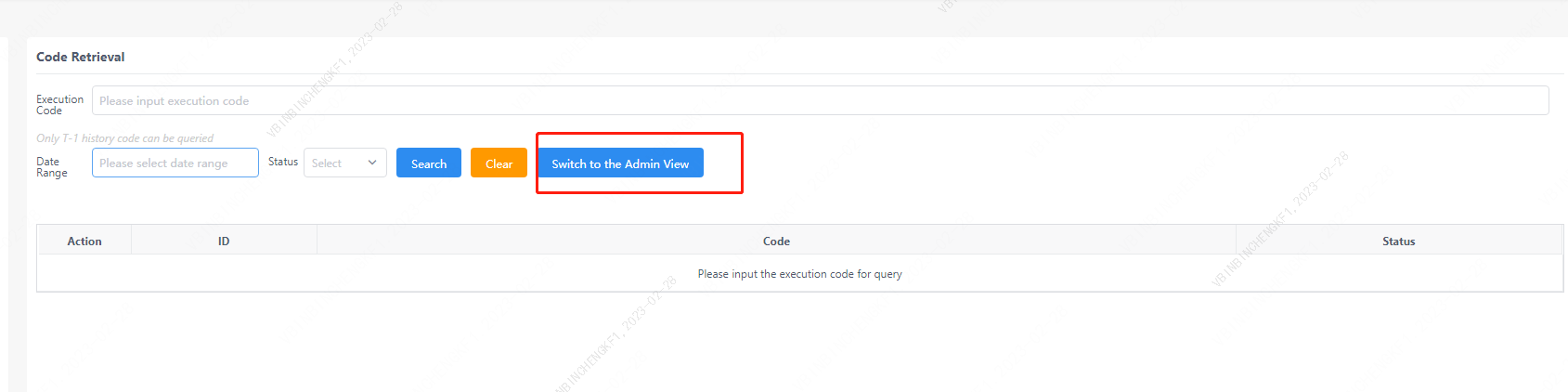
| Code Retrieval (Admin View) | √ | ||
| Code search (other functions) | √ | √ | √ |
3. Functional authority distinction
3.1 Global History
The administrator view can only be viewed by historical administrators or administrators

3.2 Resource Management
The search bar is only visible to administrators

3.3 Parameter configuration
Only admins can edit apps

3.4 Global variables
all editable

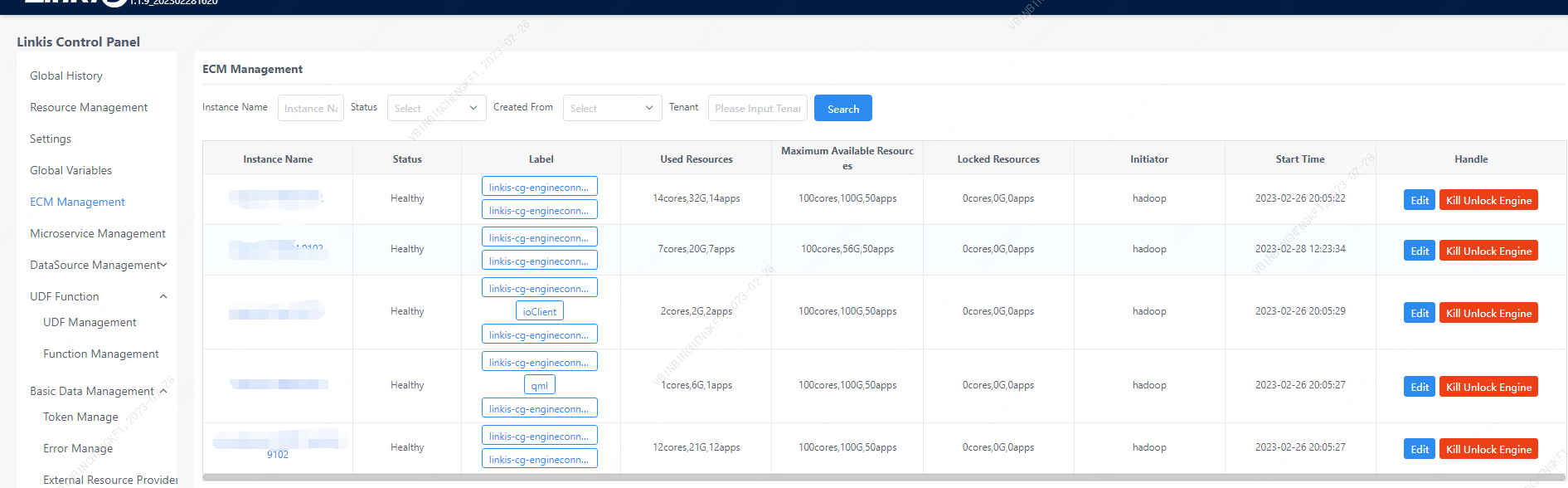
3.5 ECM Management (Admin)
Only administrators have permission
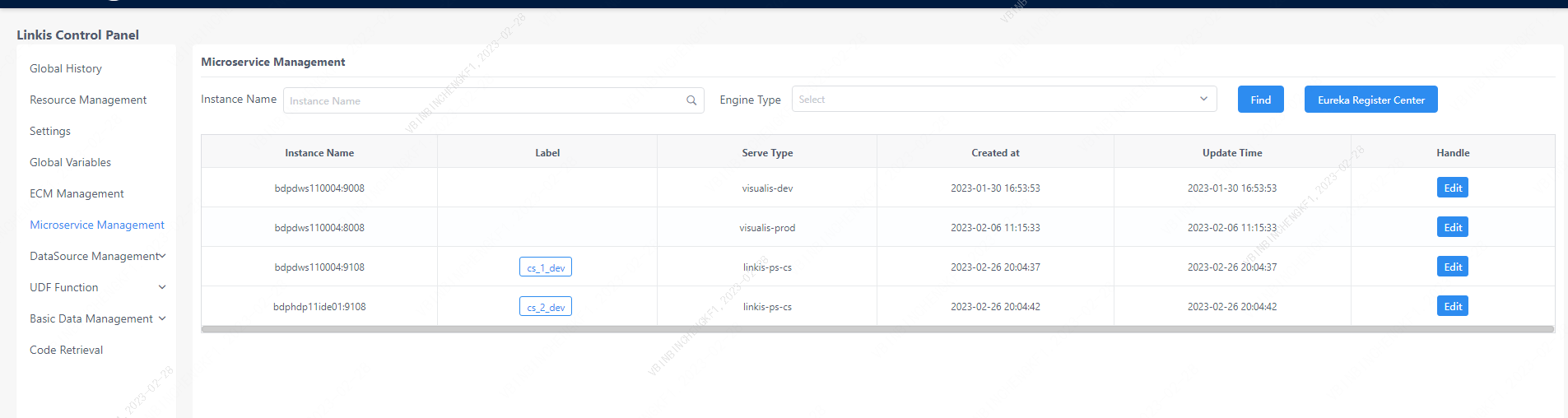
3.6 Microservice Management (Admin)
Only administrators have permission
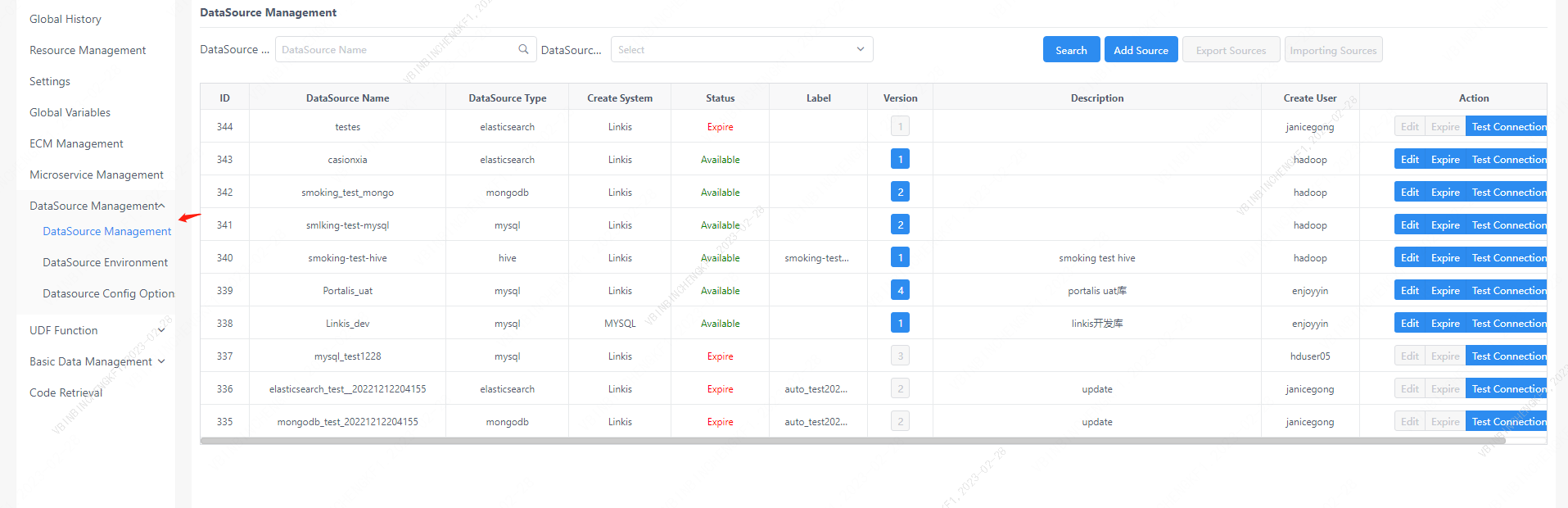
3.7 Data Source Management
3.7.1 Data source management
have authority
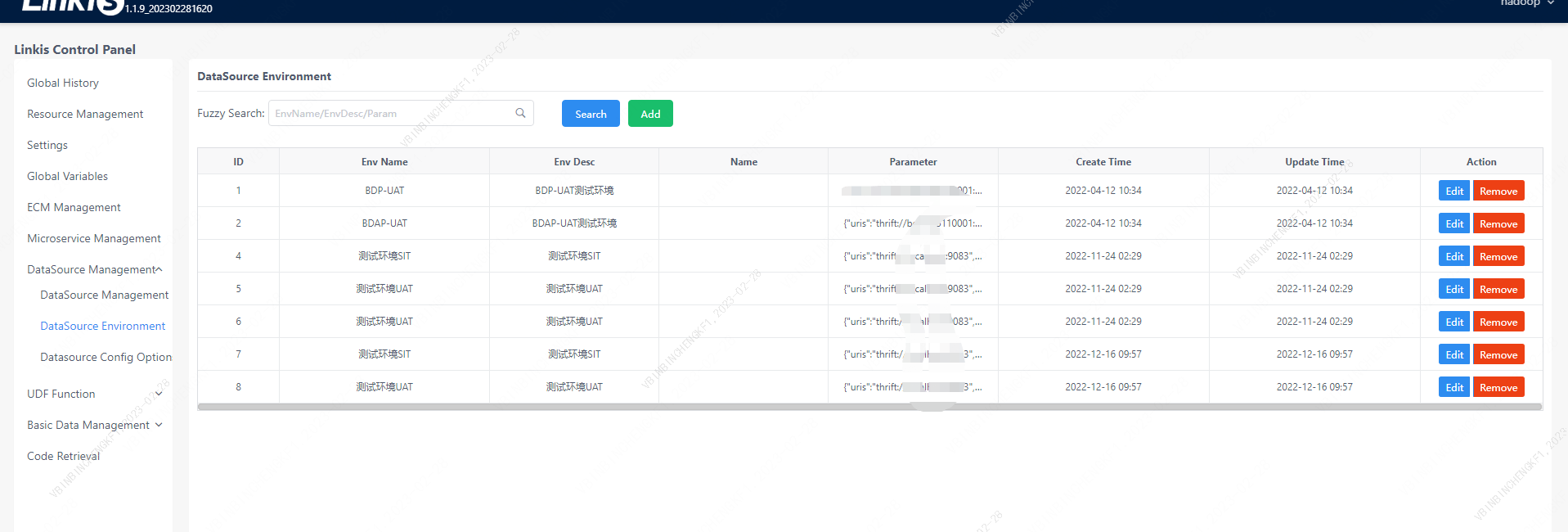
3.7.2 Data source environment management (Admin)
Only administrators have permission
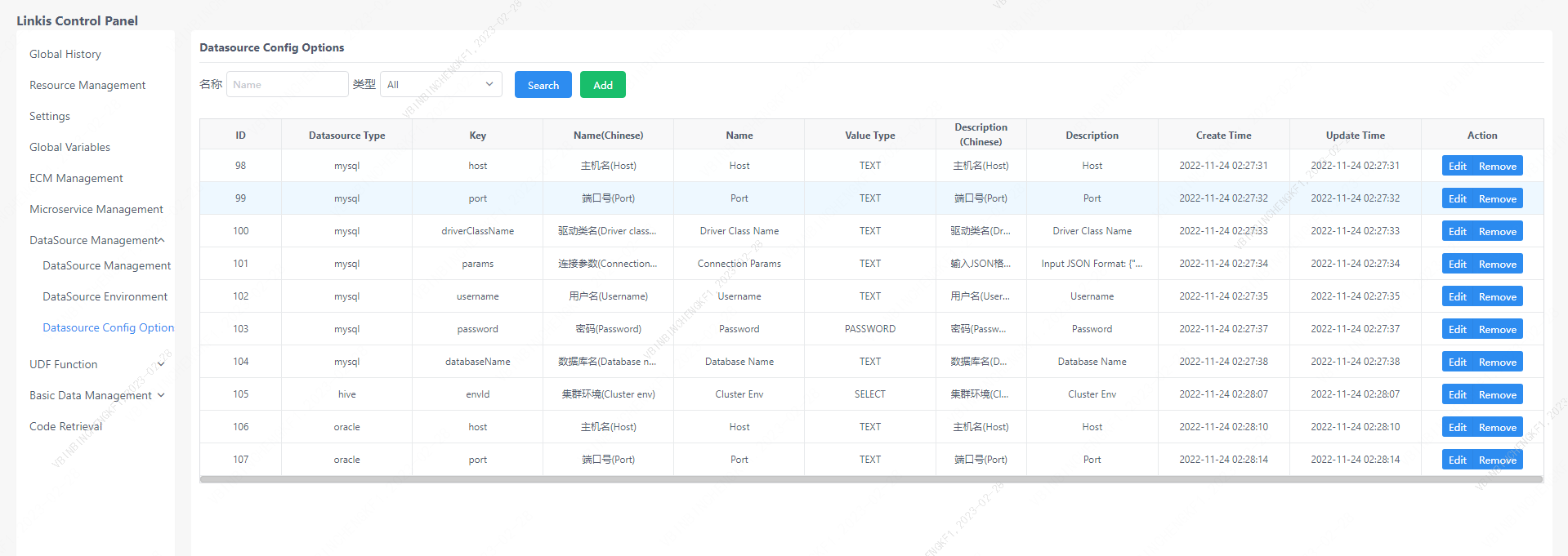
3.7.3 Data source type (Admin)
Only administrators have permission
3.8 UDF Management
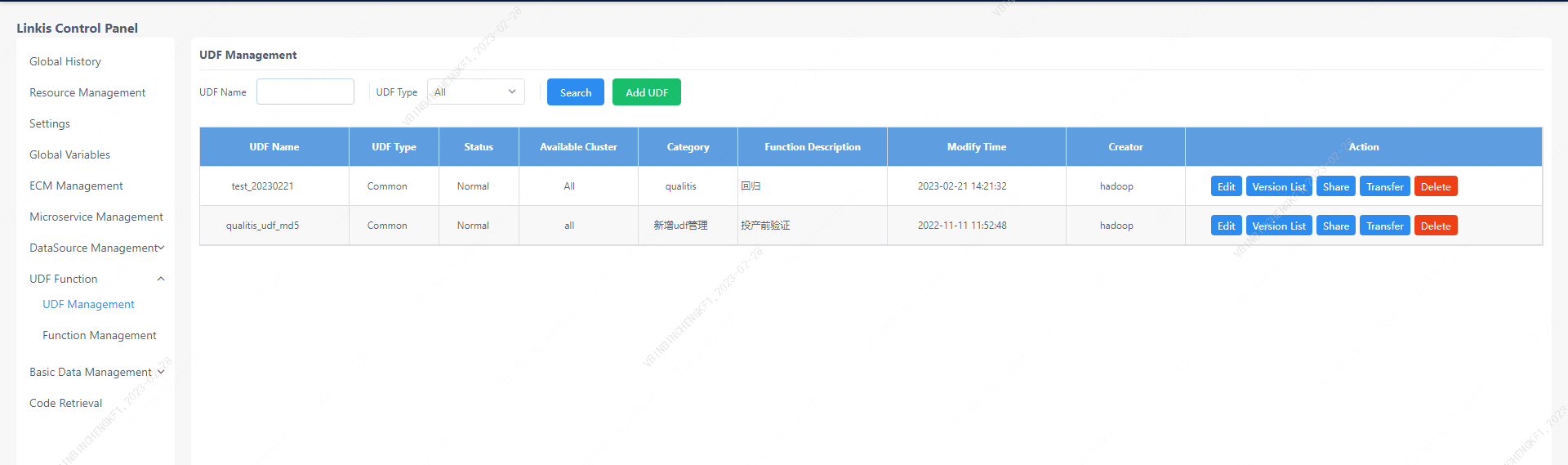
3.8.1 UDF management
have authority
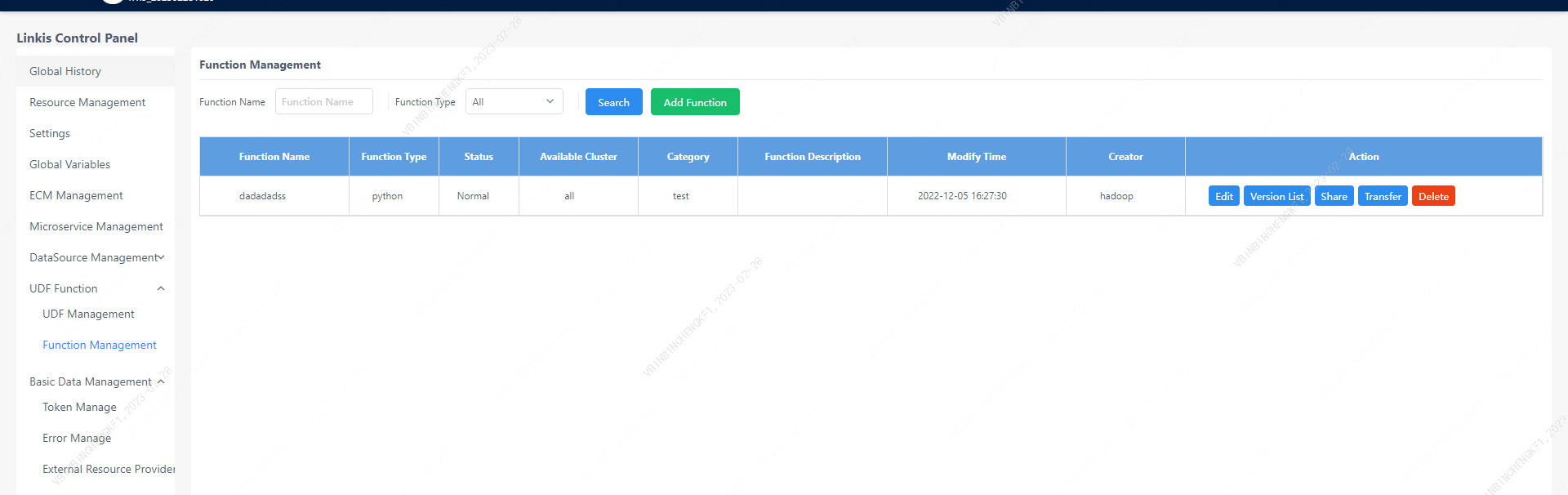
3.8.2 Function Management
have authority
3.9 Basic data management (Admin)
3.9.1 Tenant label management
Only administrators have permission

3.9.2 Whitelist Management
Only administrators have permission

3.10 Code Retrieval
The administrator view can only be viewed by administrators